Build your first integration in about three minutes — no code, right inside VoiceOS.
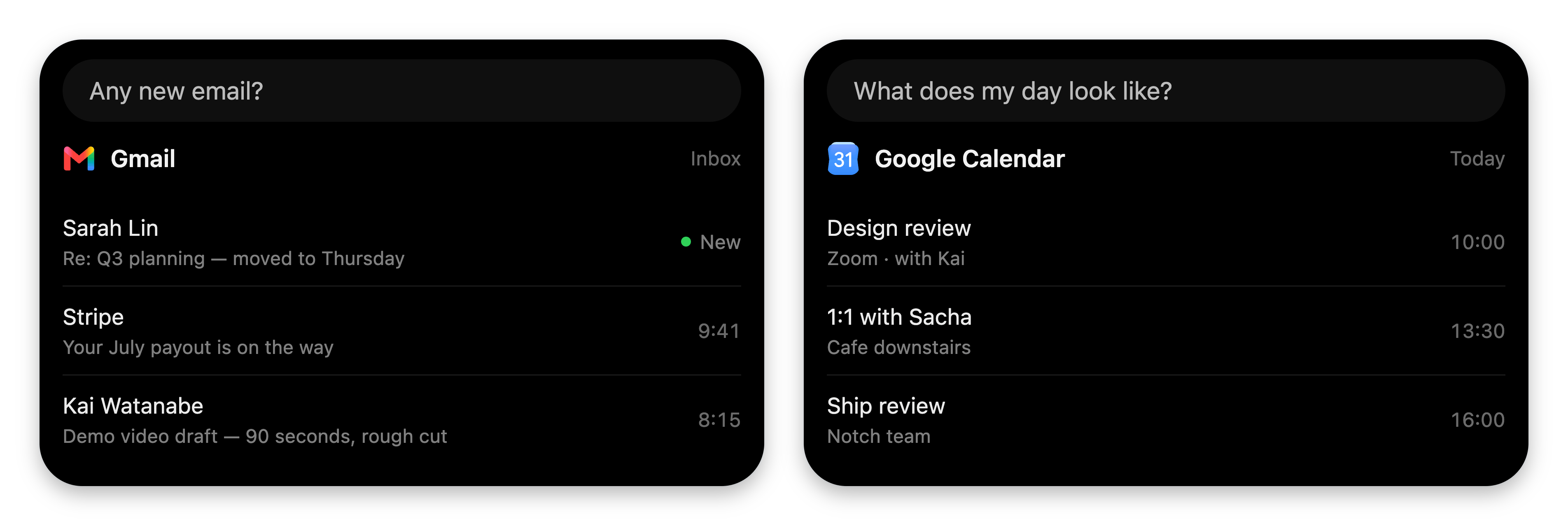
Every VoiceOS integration — Gmail, Google Calendar, Linear, and the ones you
make — speaks the same visual language: native cards in the notch.
Gmail and Google Calendar answering in the notch. Your integration gets this exact surface.
You’ll build one of your own without leaving the app. No code, no terminal.
1
Open the Studio
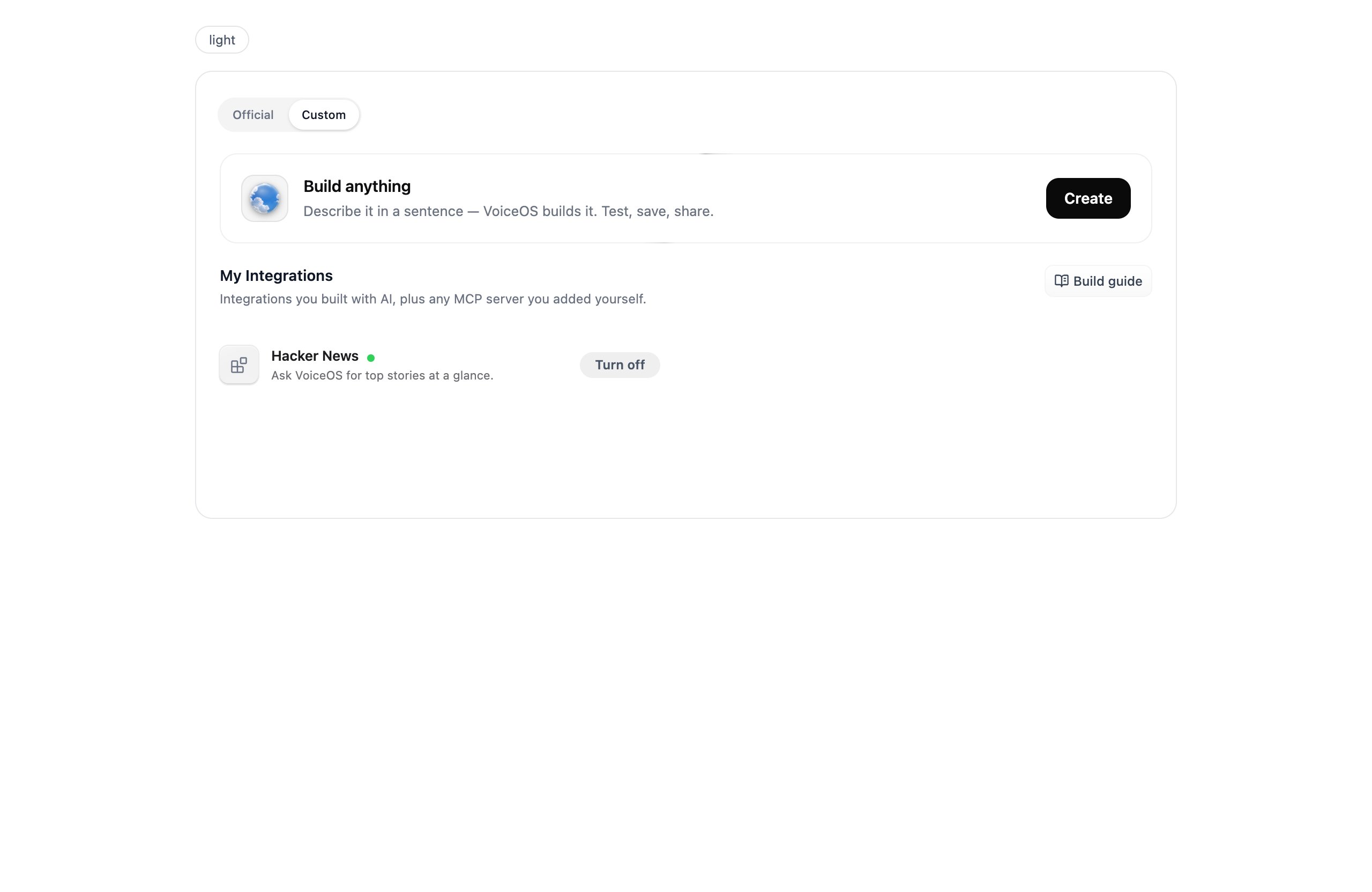
Integrations → Custom tab → Build anything.
Your integrations live on the Custom tab; Build anything starts a new one.
2
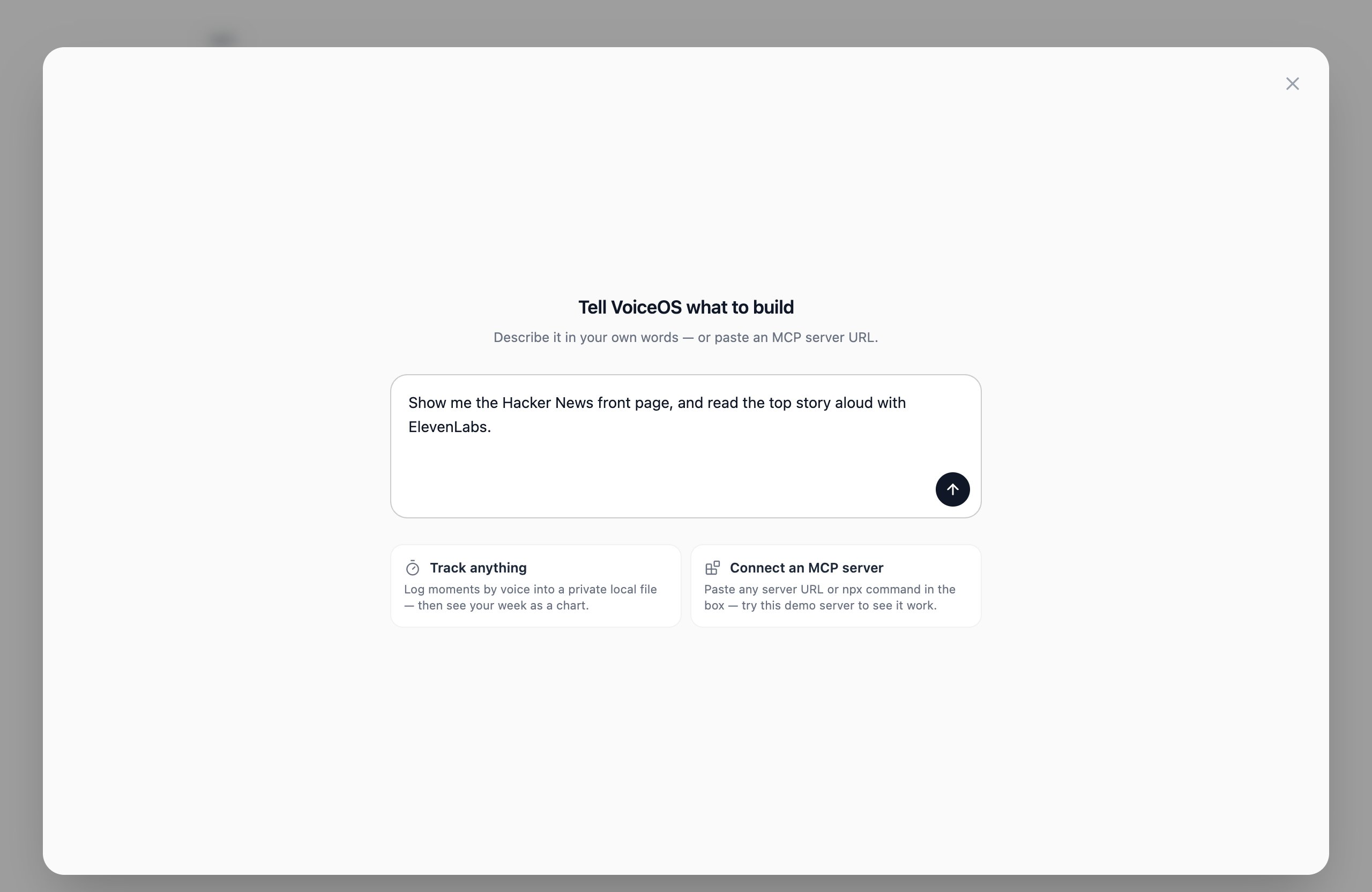
Say what you want
Describe it the way you’d brief a person: what to fetch or track, what each
action does, what you want to see.
One sentence is enough. You can also paste an MCP server URL to connect one directly.
3
Answer the quick decisions
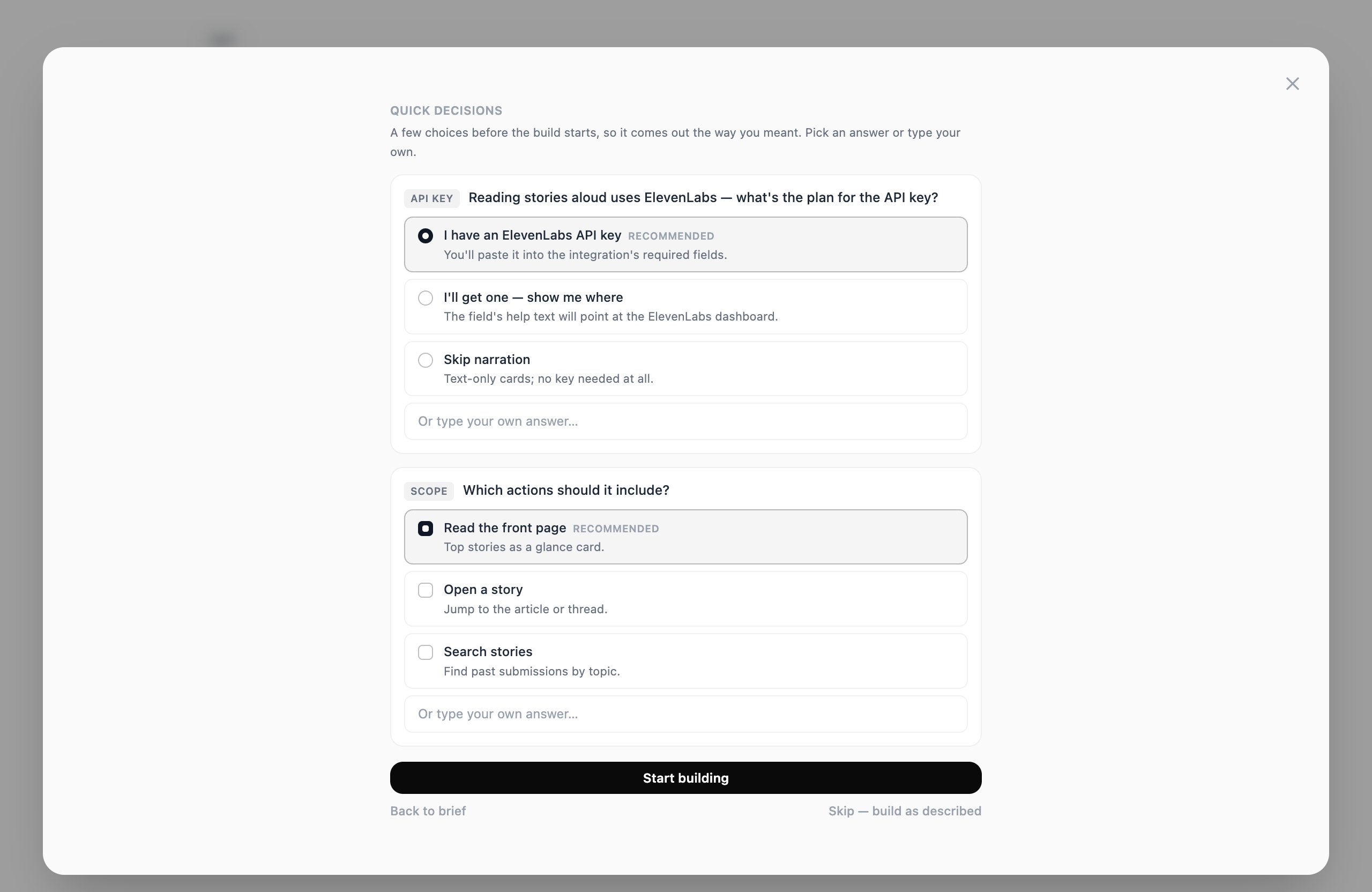
VoiceOS researches the services involved and asks up to four multiple-choice
questions — data source, API keys, scope. The recommended answer is always
first, and Skip — build as described is always available.
The Studio caught that reading aloud needs an ElevenLabs key, and asks up front — not after the build.
4
Watch it build
A couple of minutes: it plans, generates, validates itself, installs a live
draft on your Mac, draws an icon, and design-reviews its own cards.
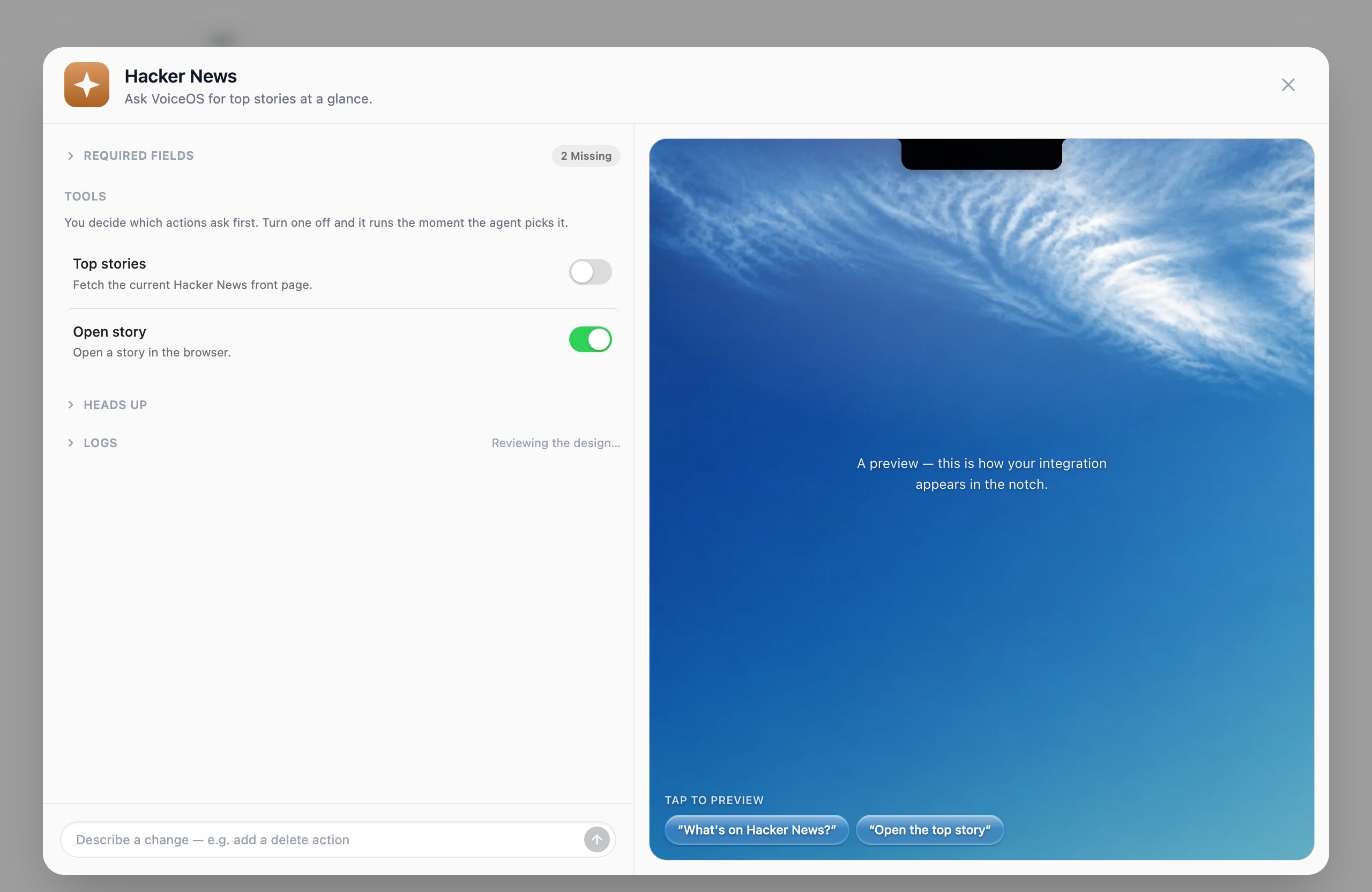
Left: your integration taking shape. Right: a live notch preview.
Closing the window doesn’t stop the build. A progress row stays in My
Integrations — reopen it any time.
5
Test-drive it
The preview runs real agent turns against your draft. Tap a suggestion chip
or type an utterance; acting tools park on their confirmation card first,
exactly as they will live.
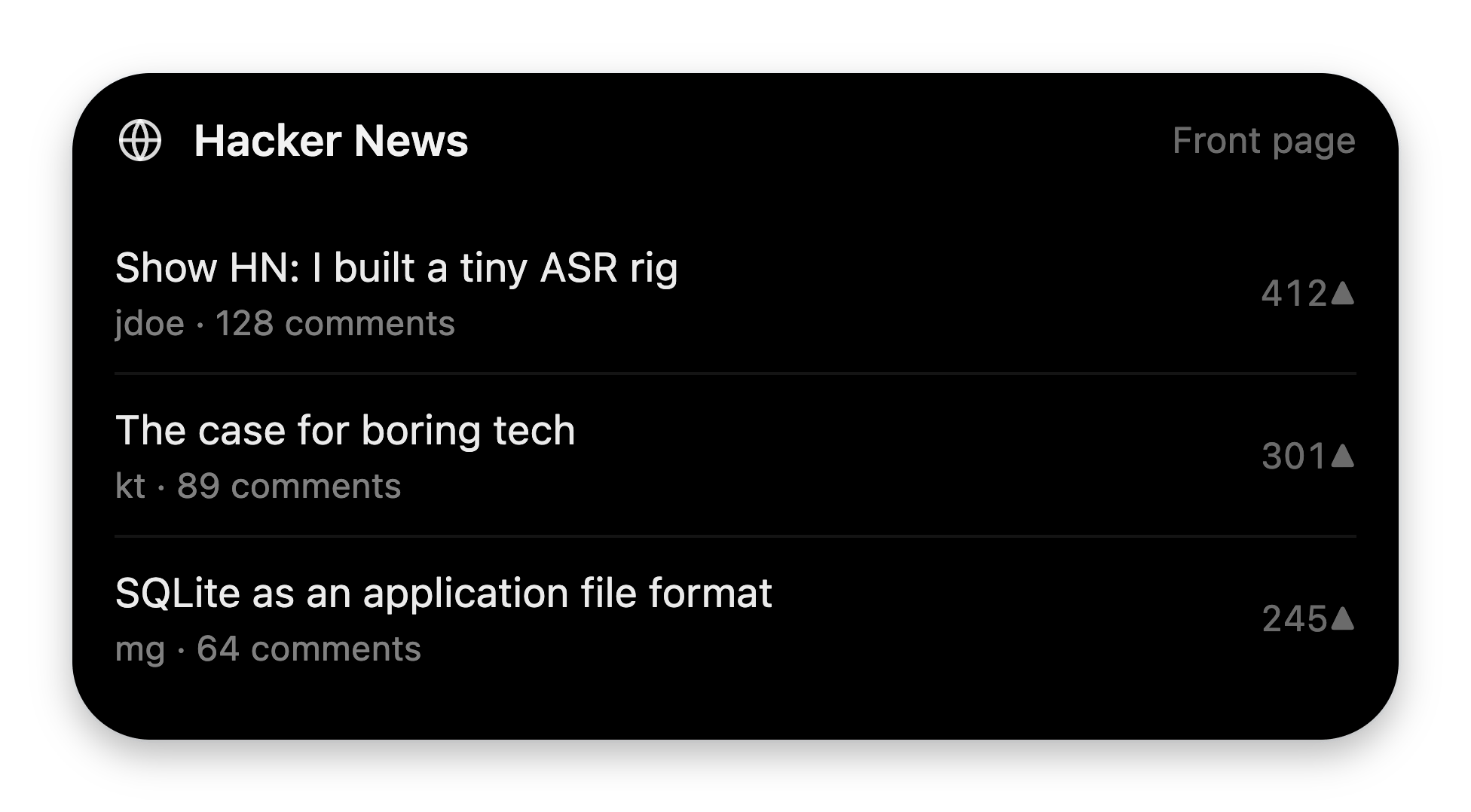
Your integration answering in the preview — a real card from a real tool run.
Two things worth doing before you save:
Fill in Required fields (that ElevenLabs API key). The draft relaunches
with your values, so the full flow is testable immediately.
Click each row in Tools to stage that action’s card, and use the Asks
first toggles to decide which actions confirm before running.
6
Save — then just talk
Hit Save. It lands in My Integrations, and from the next conversation
on the agent can use it anywhere: “what’s on Hacker News?” → card in the
notch, story read aloud in Rachel’s voice.