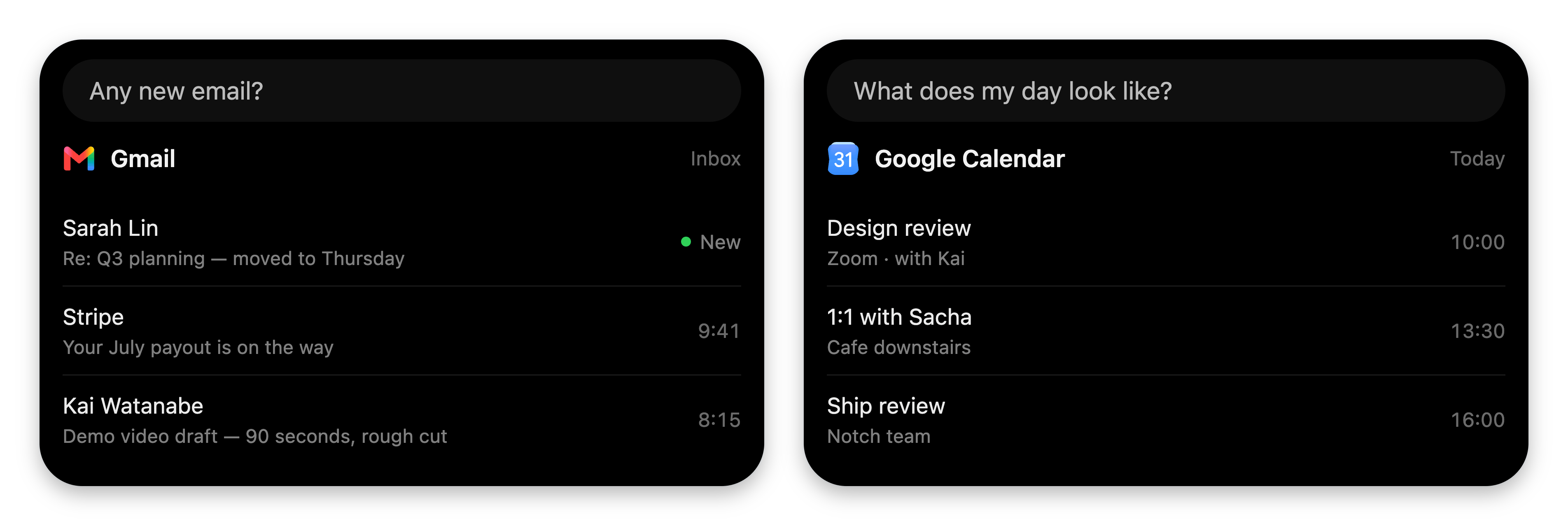
Add tools to the VoiceOS agent and answer with native cards in the Mac notch.
VoiceOS is a voice assistant that lives in the Mac notch. Users talk, the agent
acts, and answers arrive as cards in the notch.A custom integration puts your thing on that surface. You declare tools; the
agent calls them when the user asks; your results render as native cards — or as
fully custom UI when you want every pixel. If it has an
API, you can build it: internal dashboards, home automation, your CRM, a coffee
tracker.
First-party integrations answering in the notch. A custom integration renders on this exact surface.
Think of it like the App Store: VoiceOS is iOS, your integration is an app.
One manifest declares what it does (tools), where it runs (runtime), what it
needs (auth and permissions), and how it confirms actions (declarative UI).
VoiceOS wires up the rest. You never touch VoiceOS internals — which is also why
your code can never reach VoiceOS’s backend or secrets.
Describe your integration in a sentence. The Integration Studio plans it,
builds it, designs its cards, and lets you test-drive it live. ~3 minutes.
Build with code
A standalone folder with a manifest and a small MCP server. Full control
over logic, cards, and widgets. ~10 minutes.
Both produce the same thing: an integration folder VoiceOS can install.
Studio-built integrations are real folders too — open one in your editor, or
hand it to a coding agent, and keep building.
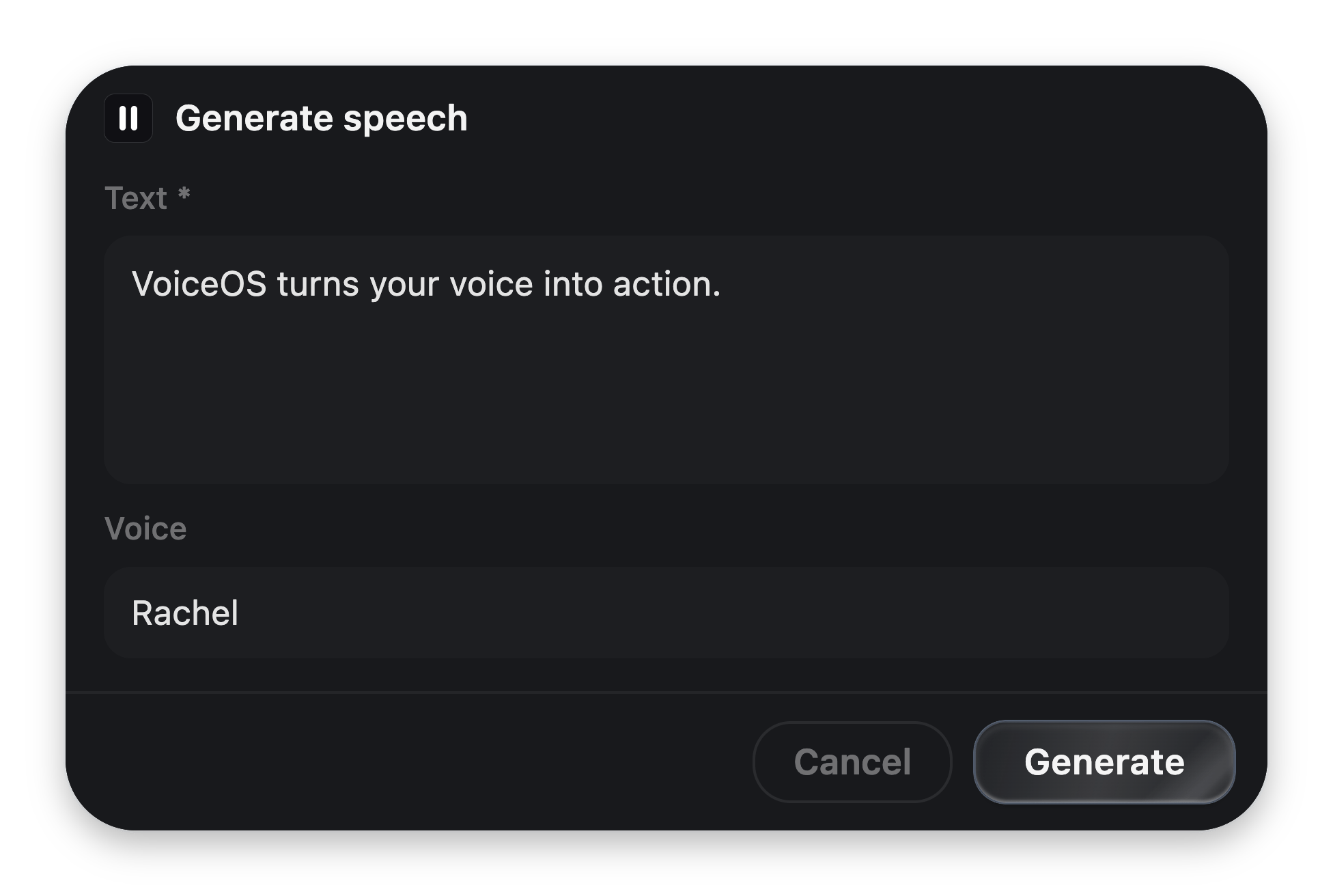
“Read this in Rachel’s voice” — the agent picks your generate_speech tool.
Because it acts (it spends API credits and writes a file), VoiceOS first
renders the confirmation card you declared in the manifest, before any of your
code runs.
The user edits the arguments; the edited values are what your handler receives.
2
Your server runs, your card appears
The handler calls the ElevenLabs API and returns JSON. The agent narrates the
data; the notch shows your card.
A glance card — rendered by VoiceOS's own components from three lines of JSON.
Read-only tools skip the confirmation entirely — “what voices do I have?” just
answers, instantly, with a card.
Reference — every field, block, cap,
and bridge message.
The Integration SDK is in developer preview. The folder contract — manifest,
MCP server, cards — is stable and versioned (schemaVersion: 1). See
Limits & stability.